
Mechanical 3D Design
From a concept or sketch to a practical mechanical design.
Designed to fit your project.
Mechanical 3D design support for custom parts, electronics enclosures, brackets and prototypes. Bring your idea, drawing or existing model and discuss what you need to create or improve.
MCAD design applications
Skills in mechanical computer-aided design (MCAD), using:
- Fusion 360
- SolidWorks
- FreeCAD
- SolidCraft
Parts and assemblies
Discuss 3D part modeling, component fit and how the pieces of your design will work together. Start with the dimensions, mounting points and clearances that matter to your project.
Design development
Refine a concept, adapt an existing model or prepare a design for a prototype. We can discuss model and drawing requirements around your intended use.
Connect design and prototyping
Need to test a design as a physical part? Explore our 3D Printing Assistance service as the next step.
Discuss your mechanical design ↗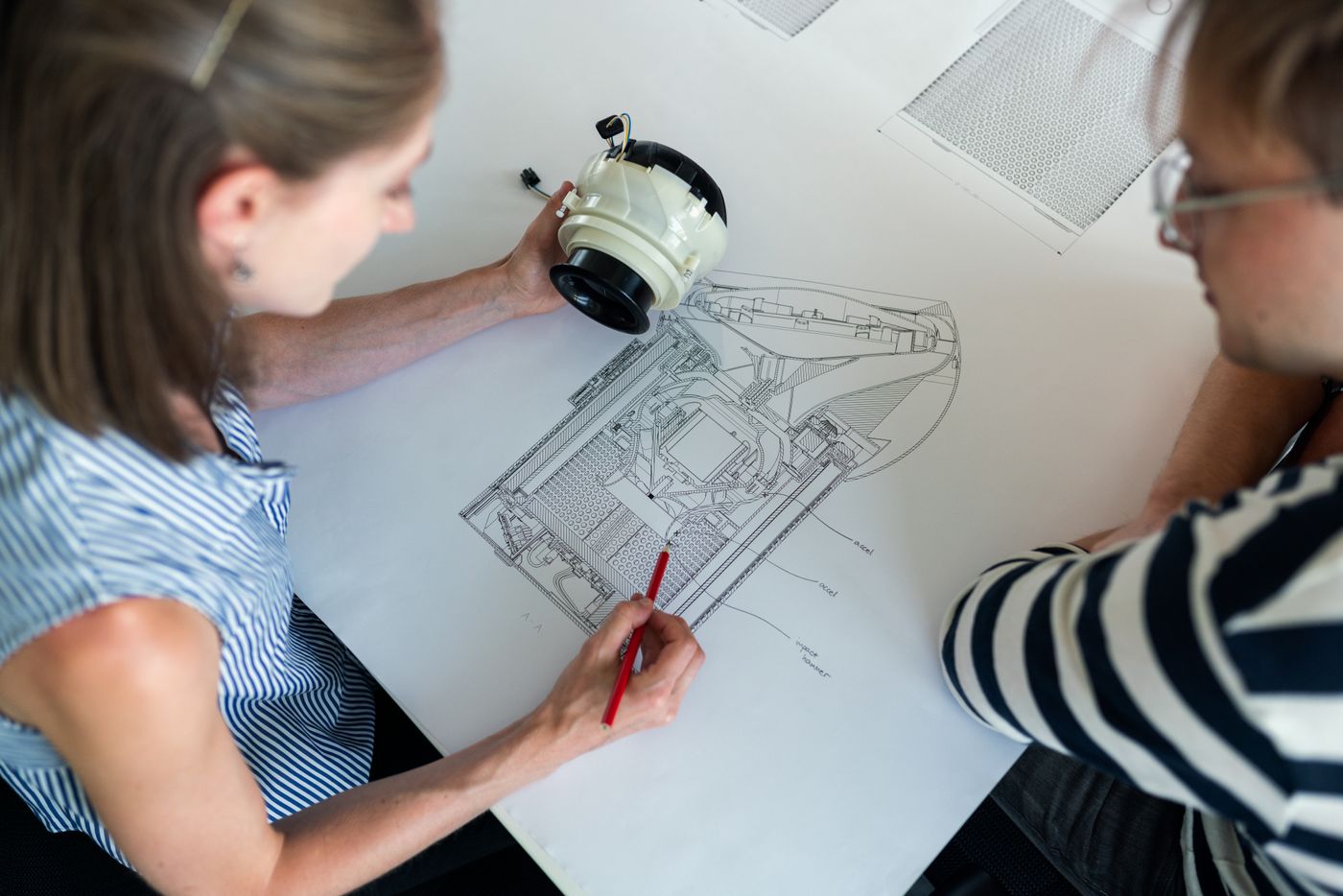
Design tools in action.
Example workspaces from the applications we use. Select a screenshot to view it at full size.
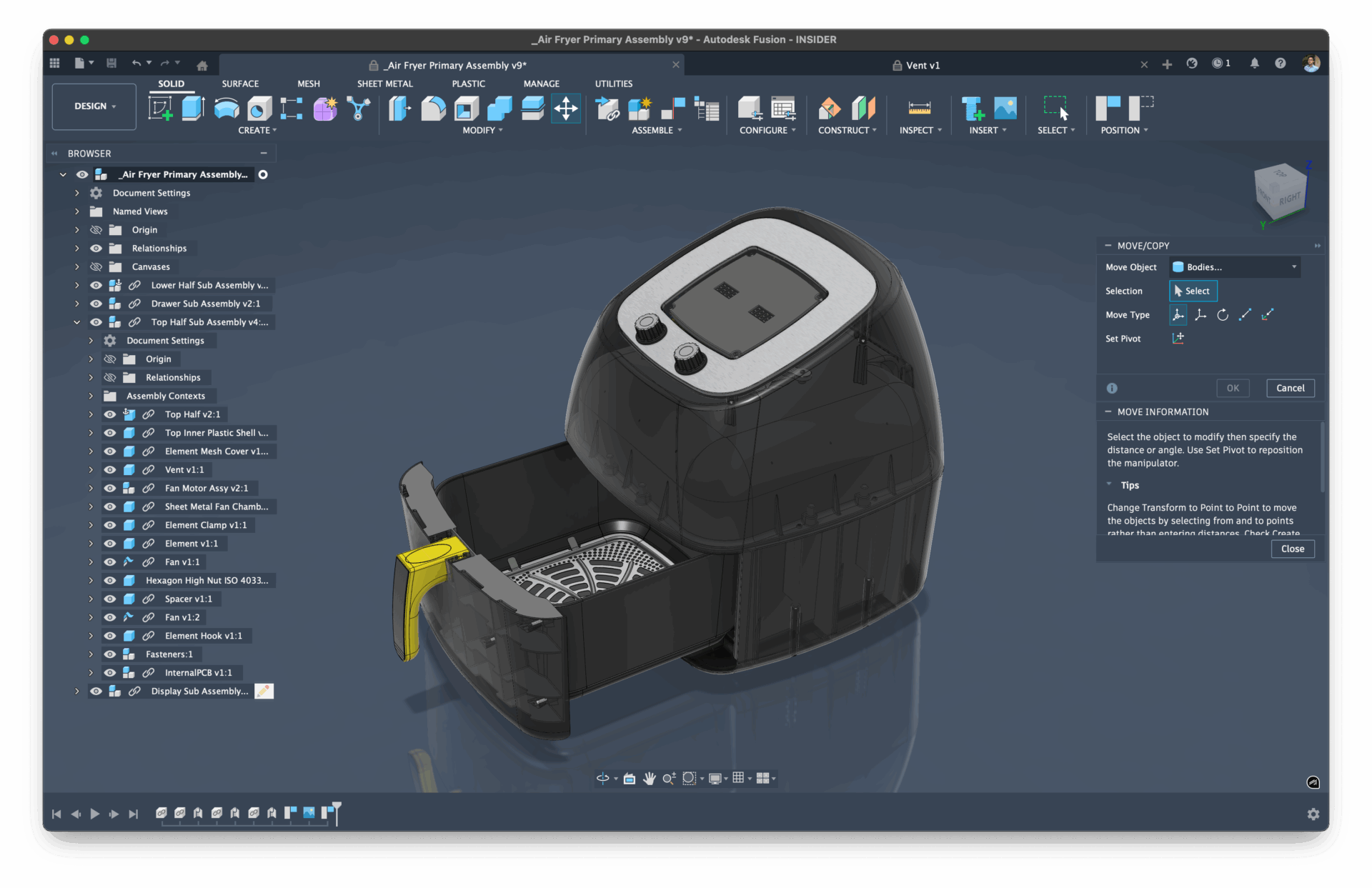
Fusion 360
Application example · Source: Autodesk
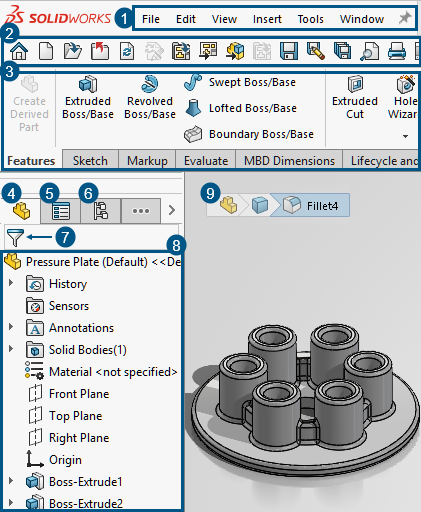
SolidWorks
Application example · Source: Dassault Systèmes / SOLIDWORKS
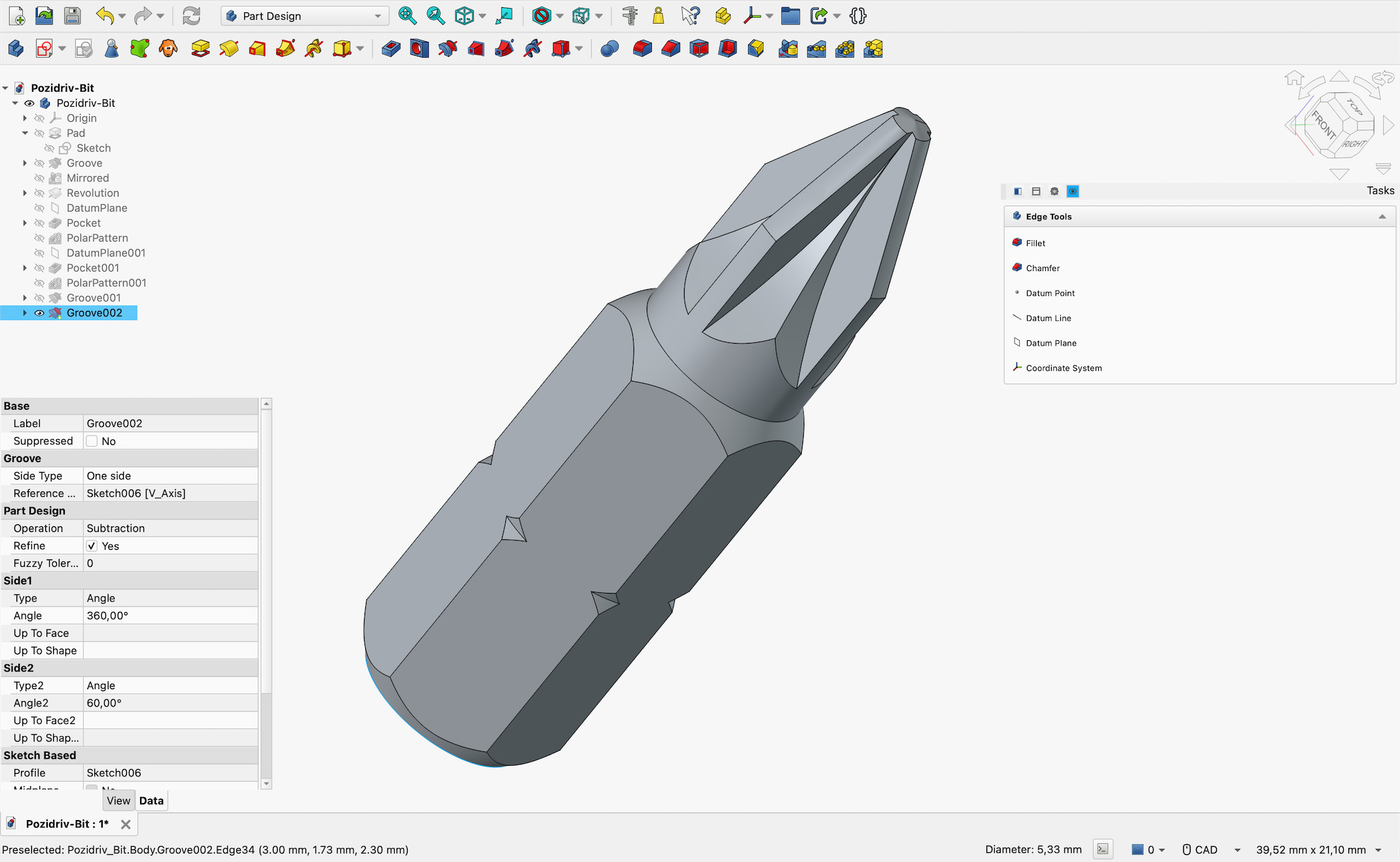
FreeCAD
Application example · Source: FreeCAD project
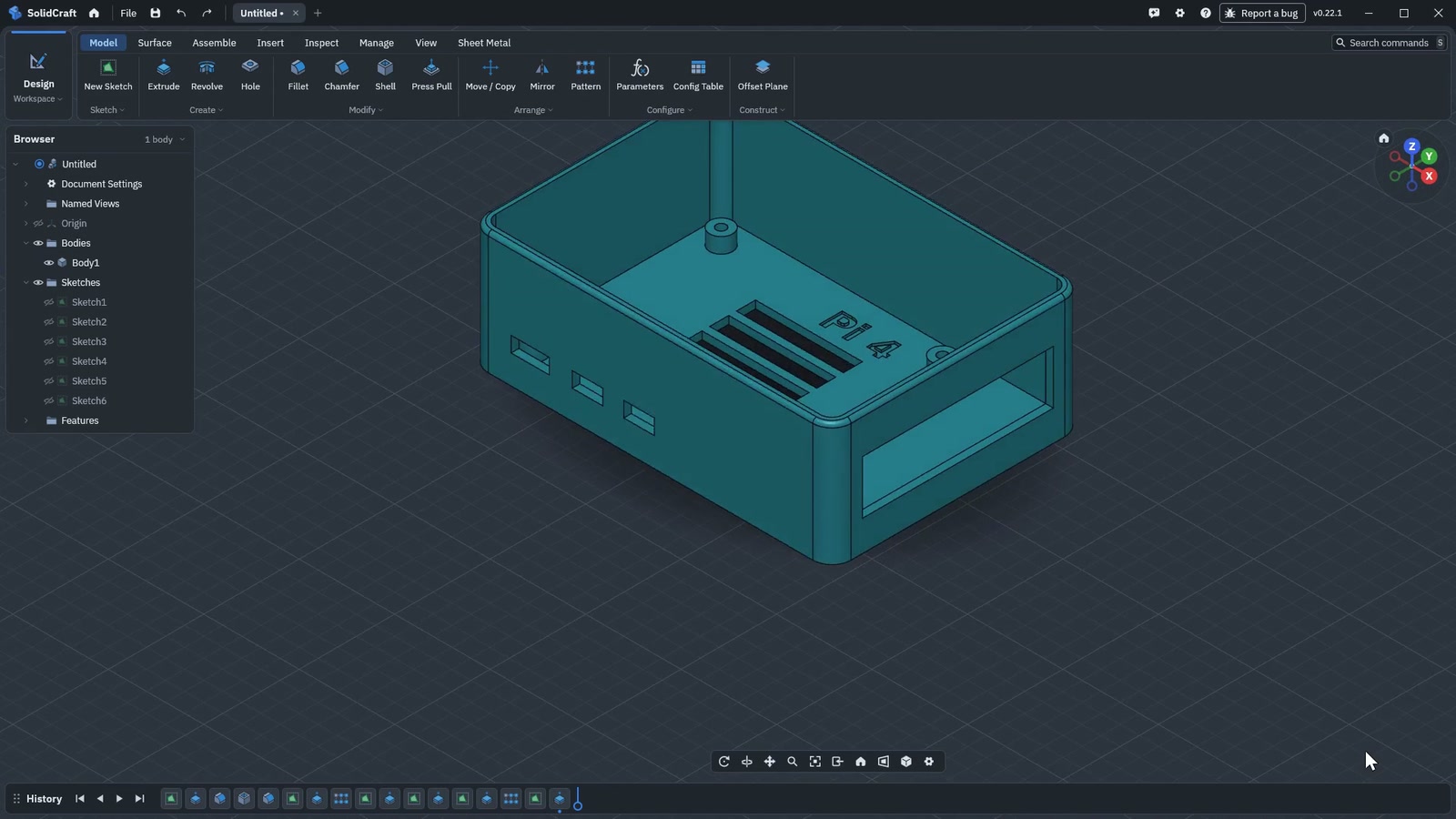
SolidCraft
Application example · Source: SolidCraft project